How to Make AI-Generated TikTok Videos: Your Practical Guide to Viral Content
VibTik Team
Published on November 12, 2025
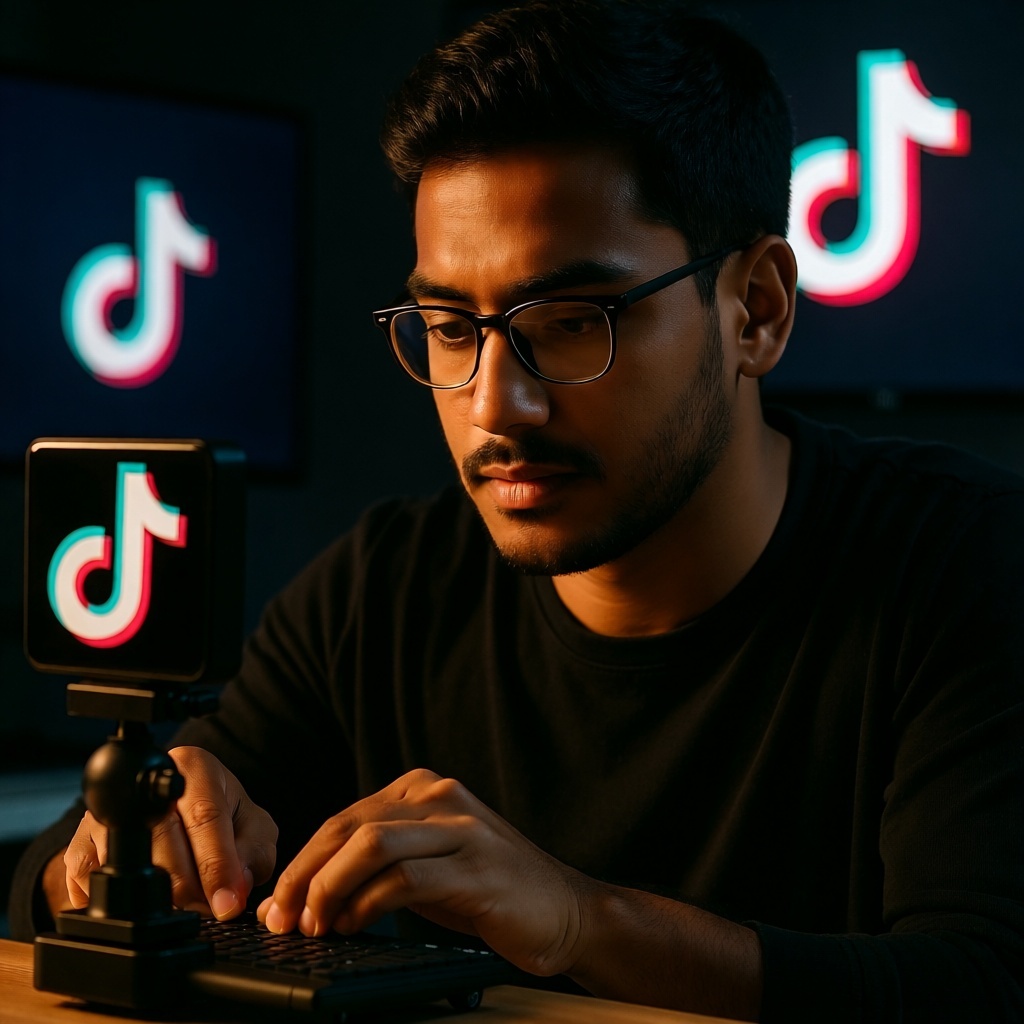
How to Make AI-Generated TikTok Videos: Your Practical Guide to Viral Content
The world of TikTok is constantly evolving, with creators pushing boundaries and finding new ways to capture attention. The latest frontier? AI-generated TikTok videos. Imagine leveraging artificial intelligence to generate scripts, create stunning visuals, or even produce entire video clips, saving you hours of manual work.
This comprehensive guide from VibTik will walk you through everything you need to know about making AI-generated TikTok videos. Whether you"re a seasoned creator looking to streamline your workflow or a beginner eager to explore innovative content, we"ll show you the practical steps, essential tools, and best practices to create engaging, viral-ready AI content.
The AI Revolution on TikTok: What"s Possible?
AI is no longer just for sci-fi. It"s a powerful ally for content creators, transforming how we conceptualize, produce, and edit videos. On TikTok, this means a democratized creative process, allowing anyone with an idea to bring it to life with sophisticated tools previously only available to experts.
From generating clever scripts and realistic voiceovers to crafting mesmerizing visuals and dynamic video clips, AI tools are expanding the possibilities for unique and captivating content. The goal isn"t to replace human creativity, but to augment it, helping you overcome creative blocks and execute your vision with unprecedented efficiency.
Why Use AI to Create TikTok Videos?
Integrating AI into your TikTok workflow offers a multitude of benefits, making content creation faster, more accessible, and more imaginative.
Boost Your Efficiency
AI automates repetitive and time-consuming tasks. Generate a week"s worth of video scripts in an hour, or convert text into a natural-sounding voiceover in minutes. This frees up your time to focus on ideation, storytelling, and audience engagement.
Unlock New Creative Horizons
Stuck in a creative rut? AI can be your brainstorming partner, suggesting fresh angles, generating unique visual styles, or crafting entire narratives you might not have considered. Experiment with aesthetics and concepts far beyond traditional methods.
Stand Out from the Crowd
In a saturated market like TikTok, uniqueness is key. AI tools help you generate distinctive visuals, custom animations, or personalized voiceovers that give your content a professional and original feel, helping you cut through the noise.
Accessibility for All Creators
You don"t need advanced graphic design skills or a professional recording studio. AI tools lower the technical barriers, making sophisticated video creation accessible to anyone with an internet connection and a creative spark. This levels the playing field for all creators.
Essential Components of an AI-Powered TikTok Video
To understand how to leverage AI effectively, let"s break down the core elements of a TikTok video and where AI can fit in:
- Script/Concept: The foundation of your video"s message and narrative.
- Voiceover: The audio narration that conveys your message or adds personality.
- Visuals (Images, Animations, Video Clips): The moving and static elements that capture viewer attention.
- Music and Sound Effects: The atmospheric and emotional layers that enhance engagement.
- Editing and Post-Production: The final assembly, synchronization, and refinement of all elements.
Step-by-Step Workflow: Making Your First AI TikTok Video
Ready to jump in? Here"s a practical, step-by-step guide to creating your own AI-generated TikTok video.
Ideation & Scripting
Every great video starts with a compelling idea. AI can help you flesh it out into a full script.
- Brainstorm: Decide on your video"s topic, audience, and key message.
- Generate Script: Use an AI text generator like ChatGPT or Gemini. Be specific with your prompts. Example: "Generate a 60-second TikTok script about 3 surprising benefits of drinking more water, including a strong hook, a call to action, and an energetic tone."
Voiceover Generation
A clear, engaging voiceover is crucial. AI voice generators turn your script into natural-sounding audio.
- Choose & Input: Select an AI voice matching your video"s tone and paste your script into the generator.
- Refine & Download: Adjust pronunciation, speed, and intonation, then download the audio.
- Recommended Tools: ElevenLabs (realistic, emotive), Play.ht (wide range of voices), Murf.ai (professional-sounding).
Visual Content Creation
This is where your video truly comes to life. AI can help you generate unique images, animations, or full video clips.
AI Image & Animation Generation (for static or animated visuals)
Ideal for still images, illustrated scenes, or simple animations.
- Prompt for Images: Use Midjourney, DALL-E 3 (via ChatGPT Plus/Copilot), or Leonardo.ai. Describe visuals for each script segment.
- Iterate & Select: Generate options, select the best. Refine prompts for consistent styling.
- Pros: Highly customizable, unique art styles.
- Cons: Requires precise prompting, consistency can be tricky.
AI Video Generation (for dynamic clips)
For dynamic and complex visuals, AI video generators create short clips from text or existing images.
- Input Text/Images: Use RunwayML Gen-2, Pika Labs, or HeyGen. Describe the scene or provide an image to animate.
- Generate Clips: Create short segments aligned with your script.
- Pros: Text-to-video, animates images, creates talking avatars efficiently.
- Cons: Can be costly, "uncanny valley" effect, limited clip durations.
Assembly & Editing
Bring all your generated assets together into a cohesive TikTok video.
- Import & Synchronize: Upload audio, images, and video clips into your editor. Carefully sync visuals with your voiceover.
- Add Overlays & Effects: Incorporate text, transitions, and simple effects.
- Recommended Tools: CapCut (user-friendly, mobile-optimized, AI features), DaVinci Resolve (professional-grade, free version with AI plugin potential).
Music & Sound Effects
Music is crucial for setting the mood and boosting engagement.
- Trending Sounds: Check TikTok"s native sound library for popular audio to increase visibility.
- AI Music Generators: For original background music, explore tools like Soundraw or AIVA, which compose unique tracks based on your mood/genre.
- Sound Effects: Add subtle effects to highlight key moments.
TikTok Optimization
Your video is almost ready! Optimize it specifically for TikTok.
- Captions & On-Screen Text: Use CapCut"s auto-caption or TikTok"s native tools. Add clear on-screen text for key messages.
- Engaging Hooks: Ensure your first 1-3 seconds are highly attention-grabbing.
- Trending Hashtags: Include relevant, trending hashtags for discoverability.
- Call to Action (CTA): Encourage likes, comments, shares, or follows.
Popular AI Tools for TikTok Video Creation
Let"s delve deeper into some of the best AI tools, with brief pros and cons.
Script Generation
- ChatGPT / Gemini:
- Pros: Excellent for brainstorming, script outlines, and refining ideas. Free tiers available.
- Cons: Can produce generic content; requires specific prompting and human editing.
Voice Generation
- ElevenLabs:
- Pros: Incredibly realistic, emotionally nuanced voices; voice cloning.
- Cons: Premium features can be expensive; limited free tier.
- Murf.ai:
- Pros: Large library of AI voices, good for professional content; pitch/speed adjustment.
- Cons: Can be pricy; less "natural" for casual TikToks compared to ElevenLabs.
Image & Animation Generation
- Midjourney:
- Pros: Produces stunning, high-quality artistic images; creative interpretation of prompts.
- Cons: Discord interface; steeper learning curve; not free.
- DALL-E 3 (via ChatGPT Plus/Copilot):
- Pros: Generates diverse images directly from text; seamless integration with conversational AI.
- Cons: Requires subscription; less artistic control for specific styles.
Video Generation
- RunwayML Gen-2:
- Pros: Pioneer in text-to-video, image-to-video; powerful editing features.
- Cons: Evolving technology, short clips; resource-intensive; watermarks on free tier.
- Pika Labs:
- Pros: User-friendly, Discord-based; rapid development; good for short animations.
- Cons: Quality can vary; less control than dedicated editors.
- HeyGen:
- Pros: Excellent for realistic AI avatars speaking scripts; ideal for explainers.
- Cons: Can be expensive; "uncanny valley" effect possible.
Video Editing with AI Features
- CapCut:
- Pros: User-friendly, mobile-optimized; powerful AI features (auto-captions, background removal); free.
- Cons: Advanced multi-track editing might require desktop software.
Best Practices for Viral AI TikTok Videos
Leveraging AI is only half the battle. To truly make your AI-generated TikTok videos go viral, consider these best practices:
- Maintain a Human Touch: Use AI as a co-pilot, not a replacement. Refine AI outputs to inject your unique personality, humor, or brand voice.
- Prioritize Quality over Quantity: A few well-crafted, high-quality AI videos will always outperform many rushed ones. Focus on compelling storytelling.
- Experiment with Styles: Try different AI models, visual aesthetics, and voice tones. Exploration helps you find your niche.
- Disclose AI Usage (When Appropriate): Transparency builds trust. Consider disclosing AI assistance, especially for realistic avatars.
- Master the Hook: Grab attention immediately. Your first 1-3 seconds are crucial. Use AI for intriguing visuals or compelling opening lines.
- Call to Action (CTA): Always tell viewers what to do next: "Follow for more!", "Comment your thoughts!".
- Stay Current with Trends & Tools: AI and TikTok evolve rapidly. Keep learning about new tools, features, and trending formats.
- Ethical Considerations: Be mindful of deepfakes, copyright (with AI-generated art), and misinformation. Use AI responsibly.
The Future of AI on TikTok
AI in content creation is not a passing fad; it"s a fundamental shift. As these tools become more sophisticated, intuitive, and integrated, the line between AI-generated and human-made content will blur even further.
Embrace these tools, experiment, and continue pushing the boundaries of what"s possible. AI isn"t here to replace human creativity; it"s here to empower and amplify it.
Ready to Create Your Own AI TikTok Videos?
The world of AI-generated content is vast, exciting, and full of potential for TikTok creators. By following this guide, you have the knowledge and tools to start creating unique and engaging videos.
Don"t be intimidated; start small, experiment, and have fun. The most important thing is to keep creating and learning. VibTik is here to help you navigate this new landscape, providing the insights and resources you need to thrive.
Tap into the power of AI today and transform your TikTok presence!
Enjoyed this article?
Share it with your fellow creators!
Use the TikTok download tools
Save available media from public posts. Choose the tool for the file you need and respect the creator’s permissions.